How to Get Alerts for Airbnb Cancellations and New Listings (The Way I Wish I'd Known)
The place was perfect. Booked. Sold out. I refreshed Airbnb for two weeks like a maniac. Here's what I learned about getting alerts for cancellations and new listings — and why I finally gave up doing it manually.

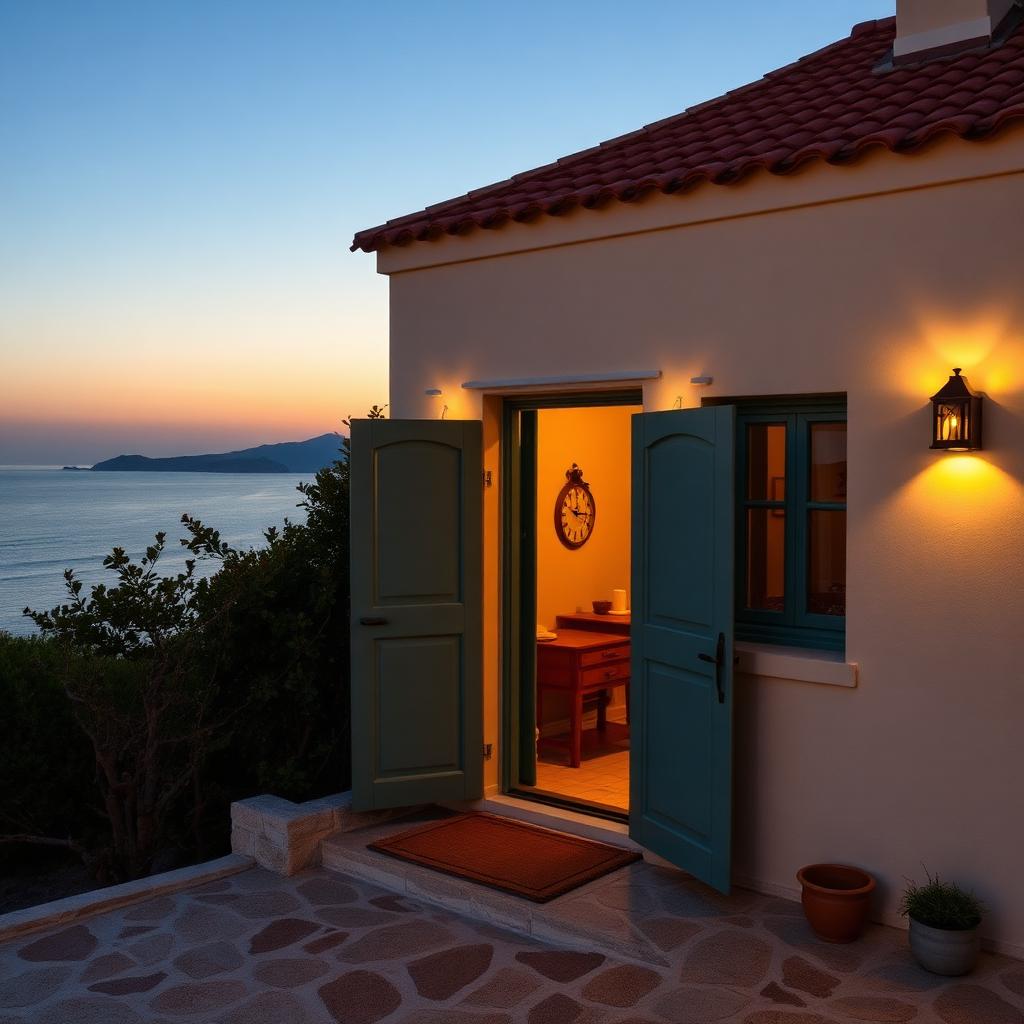
Let me set the scene. It's a Tuesday night. I've been planning a trip to a tiny fishing village on the coast for months. I've narrowed it down to one Airbnb — a stone cottage with a blue door, a garden, and a view that made me email it to my mom. I open the calendar. I pick my dates. I hit Reserve. And Airbnb tells me, in that polite way it has, that the place is not available.
Fine. I'll pick another one. Except the whole area is booked. Every single listing that matches my dates is gone.
So I did what any reasonable adult would do. I opened Airbnb. And I refreshed it. For two weeks. Multiple times a day.

The thing nobody tells you about Airbnb
There is no cancellation alert on Airbnb. There is no waitlist. There is no “notify me when a new listing appears in this area for these dates.” I checked. I searched forums. I emailed support. The answer is the same everywhere:
"We don't currently offer a way to notify guests when a listing becomes available. We recommend checking back periodically."
Checking back periodically. Cool. So the official strategy from a $90-billion company is refresh the page like it's 2004.
What I actually tried (so you don't have to)
1. Refreshing Airbnb every few hours
Works, kind of. If you're on your laptop, awake, and unemployed. I caught one cancellation this way — at 11:47pm on a Thursday. It was gone by the time I finished typing my payment details. Someone else was faster.
2. IFTTT / Zapier "monitor a page for changes"
I tried the classic no-code approach: watch the search results page for changes, send me an email when it changes. In theory, beautiful. In practice, Airbnb's search page changes constantly — prices shuffle, promoted listings rotate, the map re-renders. I got an alert every 20 minutes. All of them useless. I turned it off after a day.
3. Browser extensions
There are a handful of extensions that claim to do this. The ones I tried either stopped working after Airbnb's next redesign, only ran while my browser was open (so I'd have to leave my laptop awake all night), or asked for permissions I really did not want to give a random extension.
4. Setting a phone reminder to "check Airbnb"
Yes I did this. Yes I felt insane. No it did not work.
Why this is genuinely hard to do yourself
To reliably catch a cancellation or a new listing, you need to:
- Re-run the exact same search on Airbnb every few minutes, 24/7.
- Compare the results to the previous run and figure out what's actually new.
- Ignore the noise — price changes, order shuffles, promoted cards.
- Alert you within seconds, because good cancellations get re-booked fast.
- Do it in the background, even when your laptop is closed and you're asleep.
That's a real piece of software. It's not something you should have to build to book a vacation.
What finally worked
I got frustrated enough that I built the thing I wanted. It's called BetterStay, and it does one job: you paste an Airbnb search URL, and we watch it. When a listing that matches your dates, guests, and max price shows up — because someone canceled or a host added a new place — we email you.
Here's the whole flow:
- Go to Airbnb. Do a search the normal way — pick your city, dates, guests, and (this part matters) a max nightly price.
- Copy the URL from the address bar.
- Paste it into BetterStay. That's the whole setup. Takes about 15 seconds.
- We re-run that search around the clock. When something new shows up, you get an email with a link straight to the listing on Airbnb — with your dates already filled in.
No extension. No leaving your laptop open. No refreshing at midnight. You can watch two searches for free, so you can try it on the trip you're actually planning.
A few honest tips, whether you use BetterStay or not
- Always set a max price. A search without a price cap will match half the city and drown you in noise. Pick the highest number you'd actually pay per night.
- Narrow the map before you copy the URL. If you zoom into the exact neighborhood you want on Airbnb, that gets baked into the search URL — and every alert you get will match that area.
- Be ready to book fast. Cancellations for great places don't last. Have your payment method saved. Have the dates memorized. When the alert comes in, you have minutes, not hours.
- Don't watch 15 destinations at once. Pick the one or two trips you're actually going to book. Alert fatigue is real.
The short version
Airbnb does not have cancellation alerts. Airbnb does not have new-listing alerts. Manually refreshing is a bad use of your one wild and precious life. Use a tool that does it for you — ours, someone else's, whatever — and go outside.
If you want to try what I built: start a free watch on BetterStay. Two watches, free forever. No credit card. If it saves your trip, come back and tell me. I'll be very smug about it.
Stop refreshing Airbnb.
Paste a search URL. We'll email you the moment a cancellation or new listing matches your dates. Two watches, free forever.
Start a free watch